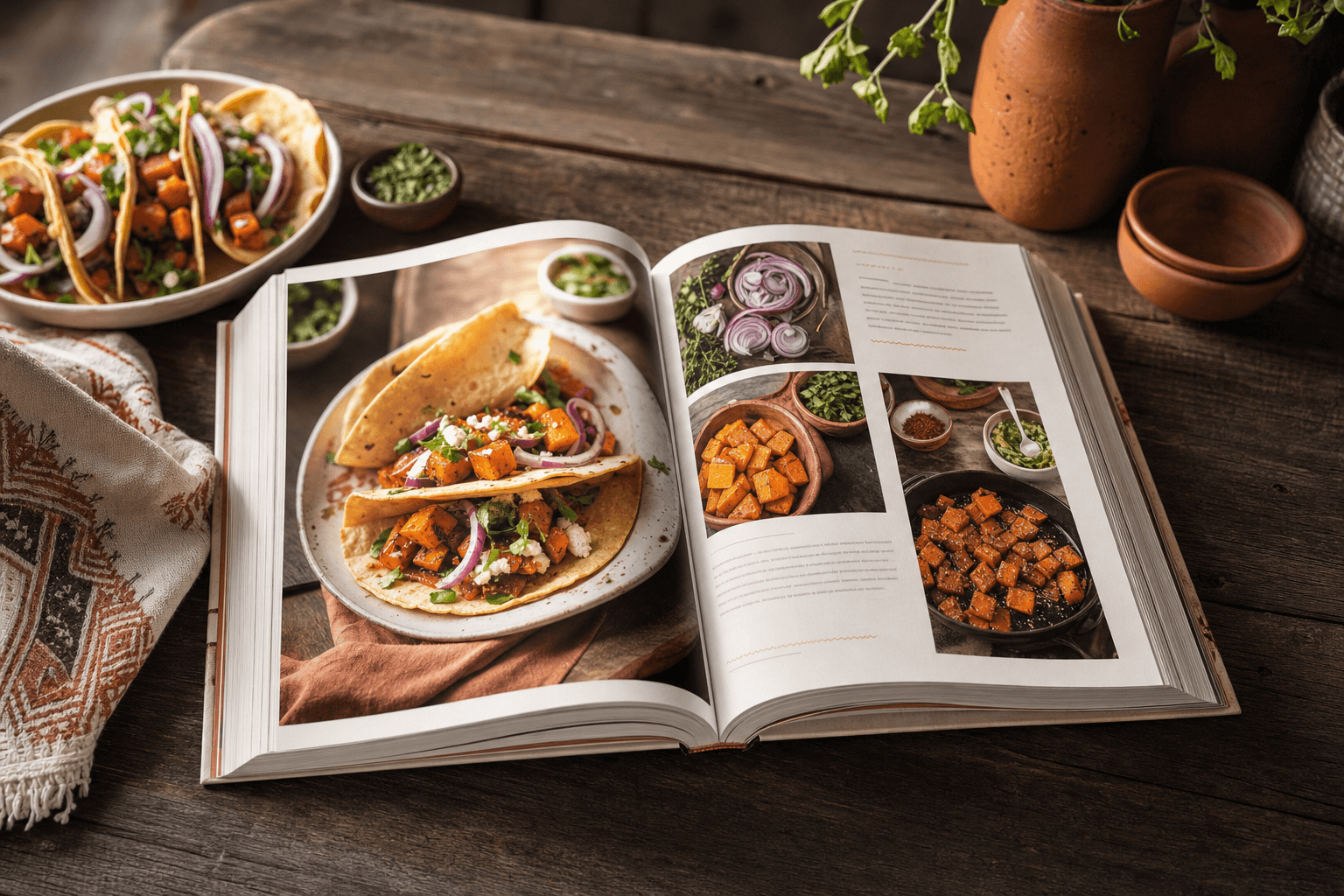
Turn your recipes into a cookbook people will buy.
Import once. Design the book. Sell copies.
Optional recipe website for the dishes you are happy to share. Keep the rest for the book.
0
steps from import to a book you can sell
0+
ways to bring recipes in
0
recipe & cover layout options
0
optional recipe website included
Get the highlights.
Import, design, publish, and sell. All in one app.
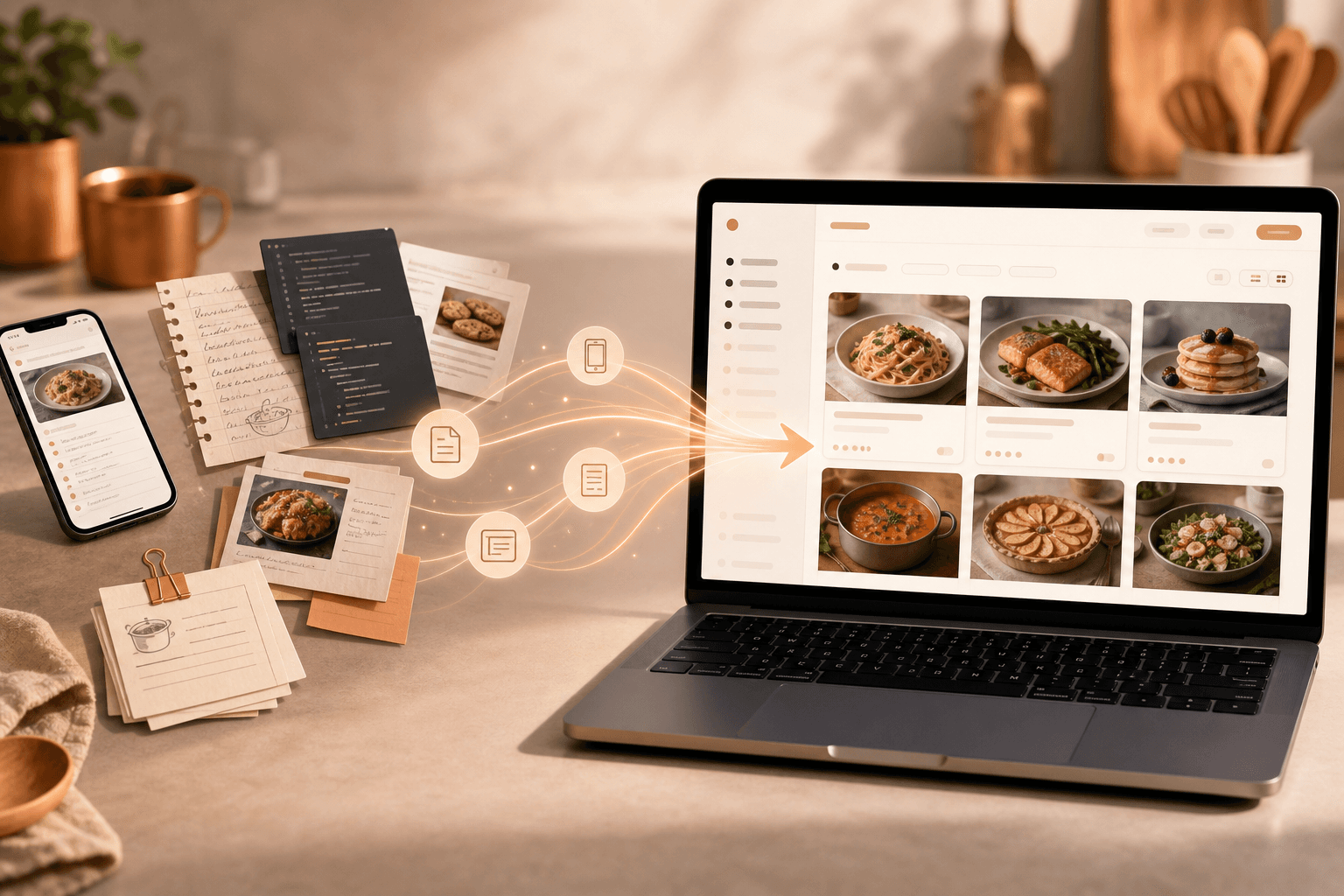
Import your recipes
Notes, spreadsheets, and photo folders. Review before anything lands in your library.
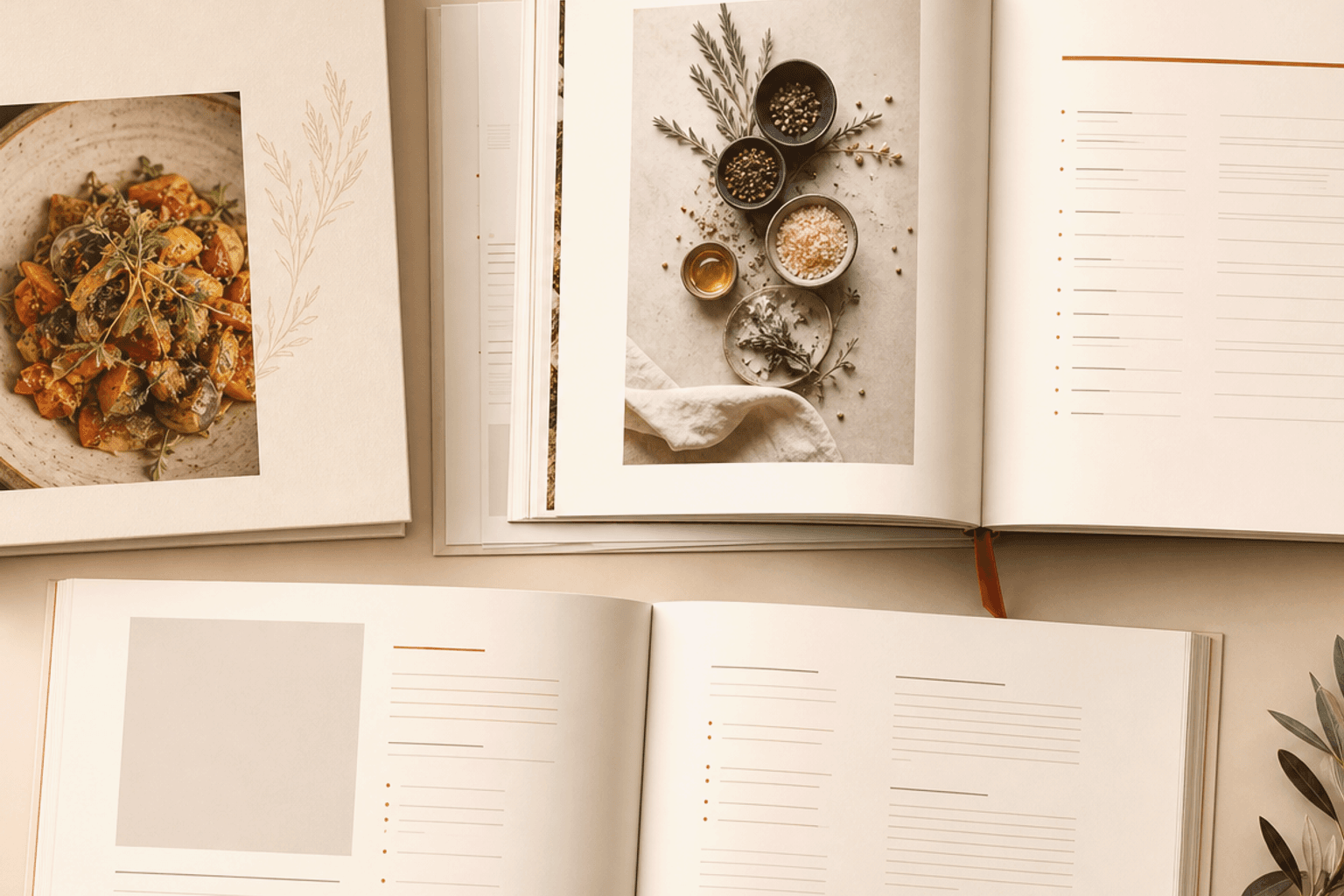
Design the book
Chapters, covers, and layouts that look like a real cookbook. Ready for print.
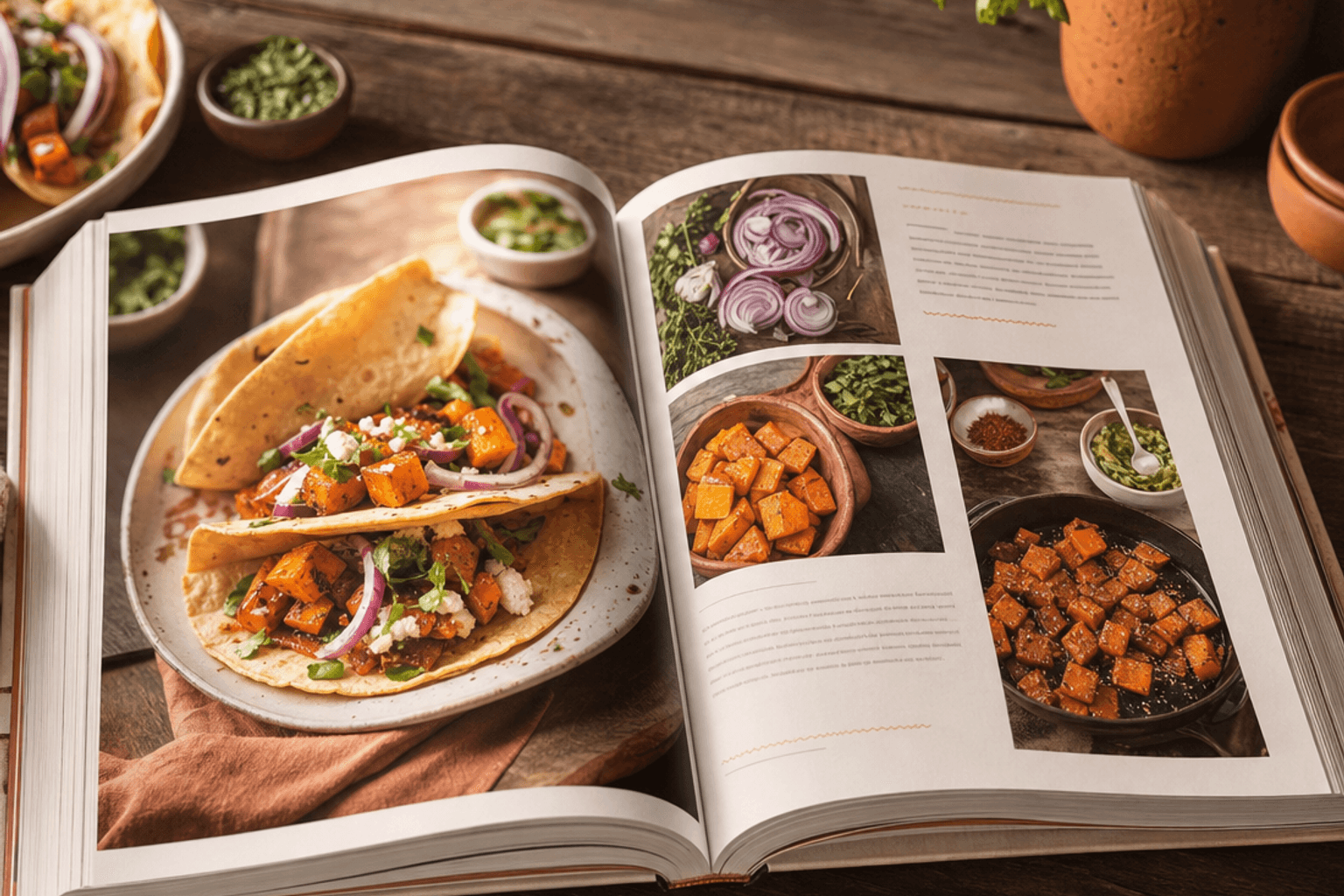
Tease on your website
A clean recipe website for dishes you are happy to share. Keep the rest for the book.
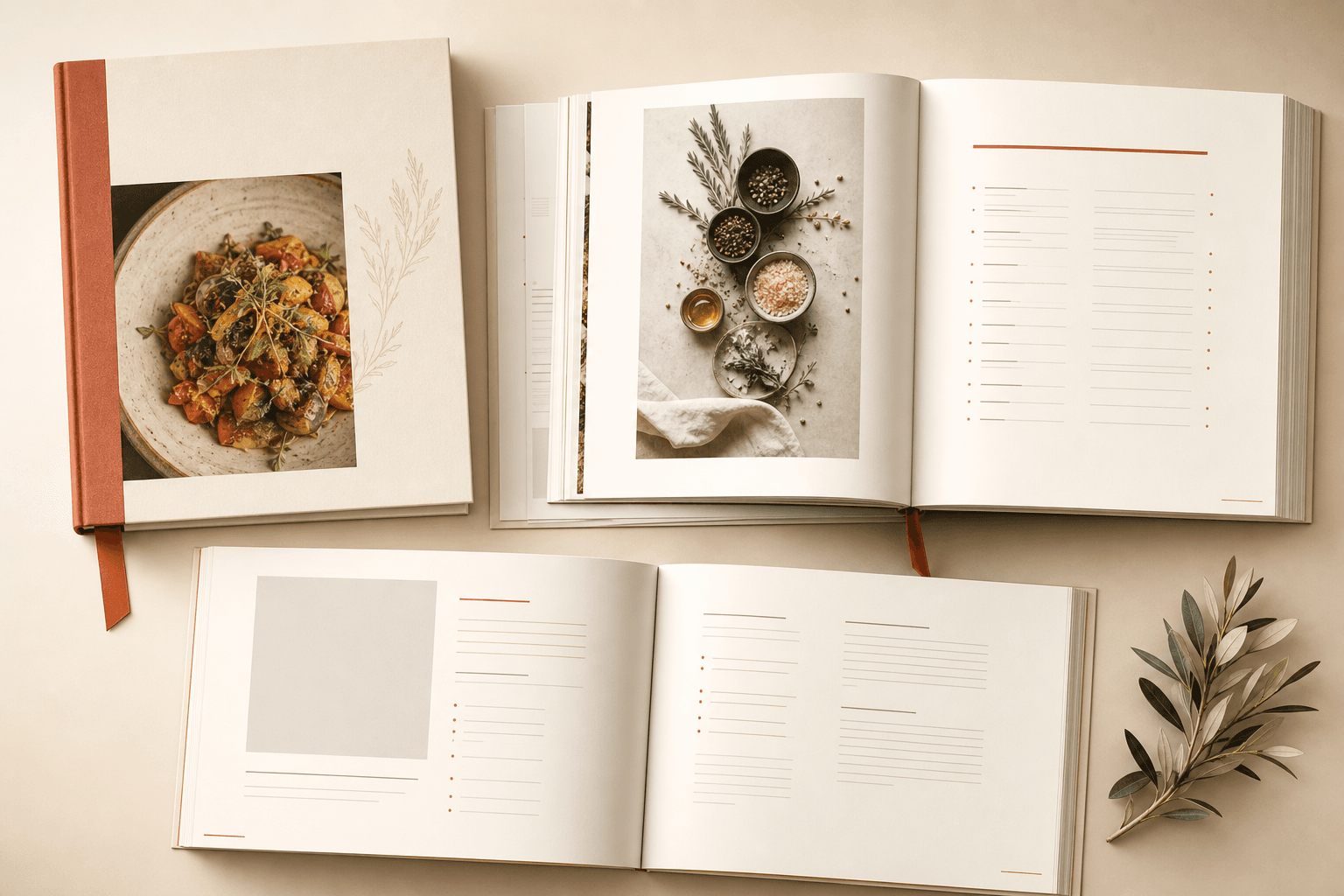
Sell copies
Print-ready PDFs, your recipe website, and Amazon when you are ready. Same recipes, one collection.
Import your recipes
Notes, spreadsheets, and photo folders. Review before anything lands in your library.
Design the book
Chapters, covers, and layouts that look like a real cookbook. Ready for print.
Tease on your website
A clean recipe website for dishes you are happy to share. Keep the rest for the book.
Sell copies
Print-ready PDFs, your recipe website, and Amazon when you are ready. Same recipes, one collection.
Everything in one place
Your recipes, your cookbook layout, and optional ways to sell. All in one app.
Your recipe collection
Every recipe in one place. Sort by cuisine, course, and tags once. Pull the same dish into multiple books without retyping it.
Learn moreYour cookbook
Build the actual book: chapters, photos, nutrition, short intros. See what is still missing before you send it to the printer.
Learn moreBook design
Pick a look that fits your food. Color themes and page layouts for recipes and covers. What you preview is what prints.
Learn moreSell the book
Download print-ready PDFs. Sell digital or printed copies. Share a few teaser recipes on your recipe website if you want. Save the good stuff for people who buy the book.
Learn moreTake a closer look.
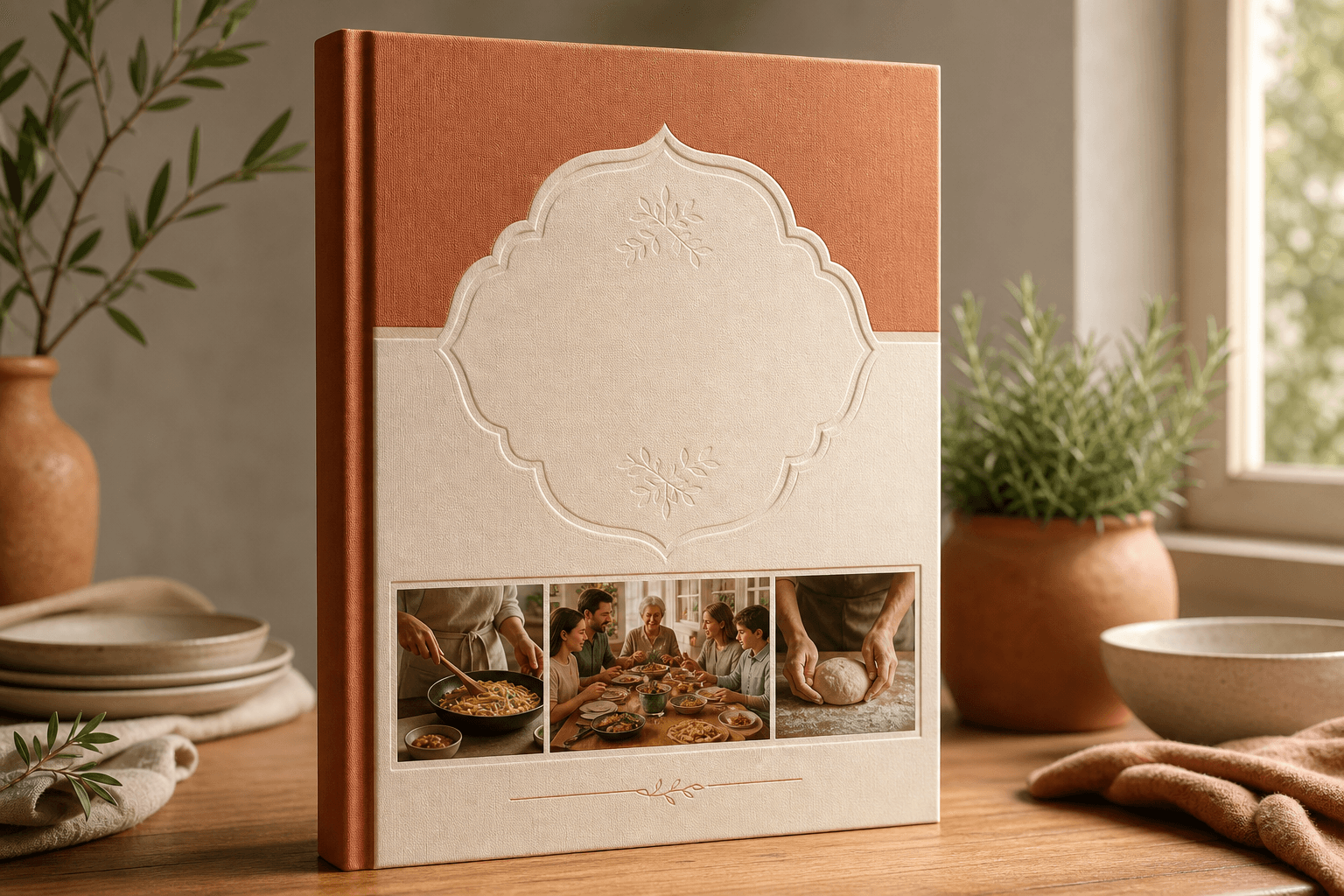
The cookbook
Chapters, cover design, nutrition, and print-ready PDFs. This is what readers pay for. Keep your best work here.
From scattered recipes to something people will pay for.
From recipes to a book you can sell
Six steps from scattered recipes to a book you can sell.
Import
Bring recipes from Apple Notes, spreadsheets, text files, or a folder of images. Review what came in before it lands in your collection.
Organize
Tag by cuisine, course, and style. CookBookr suggests categories from titles and ingredients. Fix anything it gets wrong in one pass.
Polish
Add photos, short intros, and nutrition from your ingredient list. Nothing goes live or to print until you say so.
Import
Bring recipes from Apple Notes, spreadsheets, text files, or a folder of images. Review what came in before it lands in your collection.
Organize
Tag by cuisine, course, and style. CookBookr suggests categories from titles and ingredients. Fix anything it gets wrong in one pass.
Polish
Add photos, short intros, and nutrition from your ingredient list. Nothing goes live or to print until you say so.
Build the book
Choose recipes for each chapter. Track what still needs a photo or a blurb. The book is a project, not a second pile of files.
Design it
Pick layouts and typography. Flip through the whole book on screen before you order a single copy.
Sell it
Print-ready PDF for your printer or printed when someone orders. Sell digital copies. List on Amazon when you are ready. Add a recipe website if you want a few teasers online.
Build the book
Choose recipes for each chapter. Track what still needs a photo or a blurb. The book is a project, not a second pile of files.
Design it
Pick layouts and typography. Flip through the whole book on screen before you order a single copy.
Sell it
Print-ready PDF for your printer or printed when someone orders. Sell digital copies. List on Amazon when you are ready. Add a recipe website if you want a few teasers online.
Why chefs stick with it
Six steps above. Three reasons people actually finish the book.
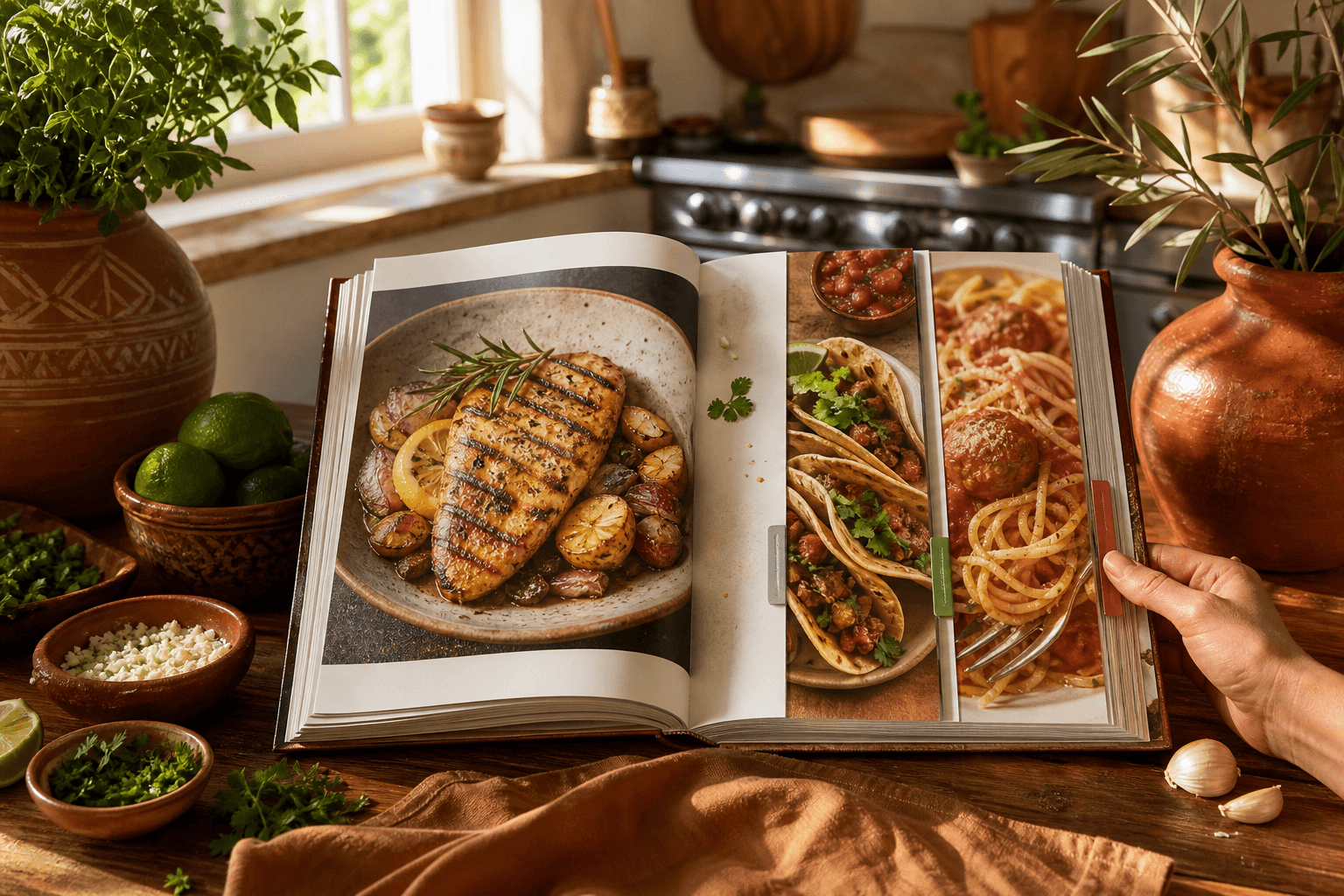
A real collection, not twelve versions of the same stew
Categories and tags live at your account level. Suggestions run when you import. You stay in charge when the guess is wrong.
Ready for the printer
Covers, spreads, page numbers, and PDFs a printer will actually accept. Free accounts get a watermark so you can try the full flow before you pay.
Print, digital, Amazon, and a recipe website if you want one
Same recipes, same book. Sell copies, tease a few dishes online, and keep book-only recipes for people who actually paid for it.
Built for cooks who want the book in someone’s hands.
Who it is for
Chefs, home cooks, and food writers making cookbooks they can sell. Everything in one place from first recipe to finished book.
Chefs
You already cook the food. Turn your recipes into a book your audience will pay for. All from one place.
Home cooks
Family recipes, Sunday projects, the dishes everyone asks you for. Finally the cookbook that does not live in a drawer.
Food writers & bloggers
Drafts, notes, and the print file in one place. Post a few teaser recipes online. Keep the good chapters for the book.
Cookbook authors
Recipes scattered across notes, drives, and old exports? Pull them together, design the book, and sell it.
Weeknight Favorites
Good Food. Good Stories. No Kale Smoothies.
The kind of recipe that disappears before anyone admits they went back for seconds. CookBookr helps you keep that tone (warm, practical, human) without filler about culinary masterpieces.
Make the book people will pay for
Free account. Import your recipes, see them in a real layout, and decide if this beats the folder on your desktop.
Create free account